
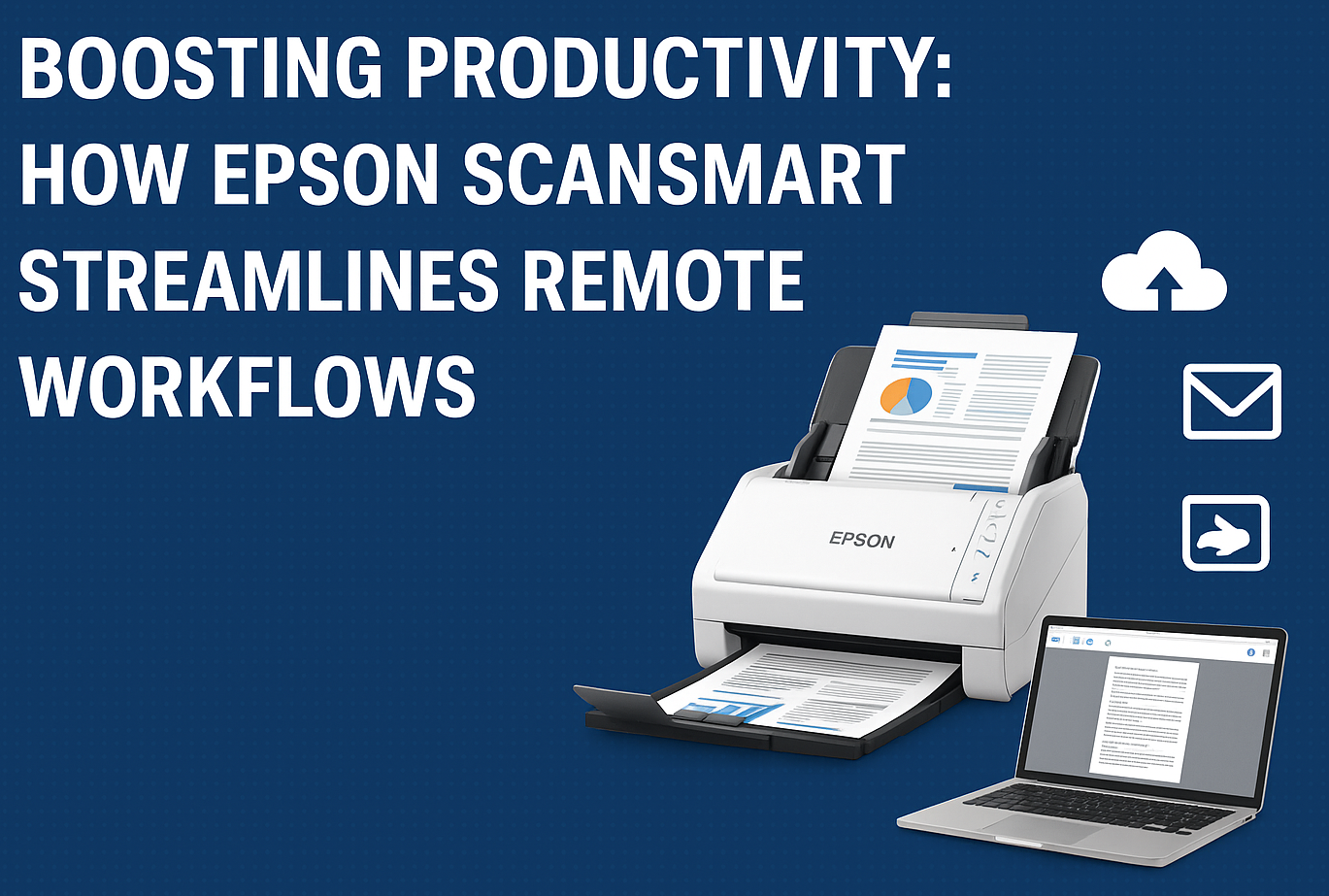
In today’s always-on, work-from-anywhere world, productivity is only as strong as the tools that support it. Whether you’re a digital nomad shuffling between coffee shops or a remote employee logging in from a home office, the efficiency of your workflow hinges on smart software solutions. Enter Epson ScanSmart – a deceptively simple, yet powerful scanning software that’s quietly becoming a remote work essential.
While most scanner software does the basics—scan, save, send—Epson ScanSmart goes several steps further, offering intelligent automation, cloud integration, OCR functionality, and a user-friendly interface that puts productivity at the forefront. In this deep dive, we’ll explore how Epson ScanSmart fits seamlessly into modern remote workflows and why it’s a must-have for professionals aiming to optimize document handling in a paperless world.
Why Remote Work Needs Smart Document Handling
The rise of remote work has accelerated digital transformation across every industry. Paper documents are no longer confined to office filing cabinets—they now need to be accessible from laptops, tablets, and cloud drives, regardless of location. But that transformation introduces new challenges:
- How do you digitize and organize paperwork efficiently?
- Can scanned documents be searchable and editable?
- How do you ensure your workflows are cloud-compatible?
Epson ScanSmart was developed with these needs in mind, offering a streamlined experience for professionals who need fast, flexible, and intelligent scanning solutions.
What Is Epson ScanSmart?
Epson ScanSmart is a feature-rich scanning application that ships with many Epson scanner models, including the WorkForce and Perfection series. Designed to simplify the scanning process, it provides users with intuitive tools to scan, preview, organize, and share documents with minimal friction.
But where it really shines is in the features that cater specifically to remote professionals:
- Automatic document recognition
- Built-in Optical Character Recognition (OCR)
- Cloud service integrations (Dropbox, Google Drive, OneDrive, etc.)
- PDF editing and reordering
- Easy file naming and format conversion
Let’s break down what makes ScanSmart stand out in a crowded market.
Clean Interface, Minimal Learning Curve
Right off the bat, Epson ScanSmart wins points for its clean and accessible interface. The layout is logical: scanning options on one side, preview panel on the other, and sharing/exporting tools along the top. Whether you’re scanning a single-page invoice or a multi-page contract, the experience is smooth, responsive, and refreshingly uncluttered.
Unlike bloated scanning software that demands hours of setup or customization, ScanSmart is ready to go out of the box. Even users with limited tech experience will feel confident navigating its features within minutes. That’s a productivity booster right there.
Smart Scan Capabilities
Where ScanSmart really earns its name is in its intelligent document handling.
When you feed documents into a compatible Epson scanner, the software automatically detects page sizes, removes blank pages, corrects skewed images, and optimizes clarity. Whether you’re scanning faded receipts, handwritten notes, or full-color presentations, ScanSmart ensures every document looks crisp and professional.
The Auto Naming feature further speeds up the process by applying file names based on document content or user-defined templates—think “Invoice_2025_11_14” instead of “Scan001.pdf.”
OCR That Actually Works
Optical Character Recognition (OCR) is often promised, but rarely delivered well in consumer-grade scanning tools. Epson ScanSmart’s OCR engine is surprisingly robust. It supports over 25 languages and allows scanned documents to be:
- Searchable PDFs: Ideal for archiving and quickly locating content.
- Editable Word or Excel files: Perfect for modifying contracts, forms, or spreadsheets without retyping.
For remote teams dealing with large volumes of paperwork, this means turning static scans into dynamic, editable assets—great for collaboration and version control.
Seamless Cloud Integration
The ability to send documents directly to cloud storage platforms is a game-changer for remote work. With ScanSmart, users can connect to:
- Google Drive
- Dropbox
- OneDrive
- Box
- Evernote
With a couple of clicks, your scanned documents are stored securely in the cloud, where team members can access them in real-time from anywhere in the world. This tight integration eliminates redundant steps like saving to your desktop and manually uploading to a cloud platform—a small time-saver that adds up significantly across the workweek.
Email, Print, or Share Instantly
Need to forward a signed PDF to a client? No problem. ScanSmart makes it easy to send documents via:
- Email (with your preferred email client)
- Print (to any connected printer)
- Third-party apps (through Windows or macOS)
You can even compress or password-protect files before sharing, offering an extra layer of document security—especially useful in industries like finance or healthcare where data sensitivity is paramount.
Optimized for High-Volume Scanning
If your remote workflow includes batch processing of documents—think accountants, lawyers, or real estate agents—ScanSmart supports batch scanning with ease. You can scan dozens of pages in a single session and reorder, delete, or rotate pages from a built-in editor before finalizing the output.
This reduces the need for post-processing in separate apps and makes the document handling pipeline much more efficient.
Use Case: A Real-World Remote Workflow
Let’s walk through a typical scenario to see how ScanSmart fits into a real-world workflow.
You’re a remote mortgage consultant working with clients across the country. In one day, you may receive:
- Signed loan documents via mail
- Income verification forms
- Identity documents
- Tax returns
Using an Epson WorkForce ES-500W scanner paired with ScanSmart:
- Scan all documents in one batch.
- OCR is automatically applied, turning each scan into a searchable PDF.
- Pages are re-ordered, renamed using a template (“ClientName_DocumentType_Date”), and merged into a single file.
- Secure PDF is saved directly to a shared Google Drive folder, where your colleagues can instantly access it.
- Client receives an automated confirmation email with the PDF attached.
From scan to share, the process takes less than 10 minutes—no bottlenecks, no confusion, no extra software.
Integration with Other Epson Tools
For those embedded in the Epson ecosystem, ScanSmart works beautifully with companion tools like:
- Document Capture Pro (for advanced indexing and routing)
- Epson Scan 2 (for deeper control over scan settings)
- Epson Connect (for remote printing and scanning)
This modular approach allows you to scale your scanning solution to match your needs—from a home office all the way up to enterprise-level document management.
Security and Compliance Considerations
In a remote setting, document security can’t be an afterthought. Epson ScanSmart supports:
- Password-protected PDFs
- Encrypted file formats
- Direct-to-cloud delivery (avoiding local storage)
These features help ensure that your documents don’t fall into the wrong hands—an essential consideration for sectors like legal, medical, or financial services where compliance matters.
Epson ScanSmart vs. The Competition
How does ScanSmart stack up against competing solutions like Adobe Scan, VueScan, or HP Smart?
| Feature | Epson ScanSmart | Adobe Scan | VueScan | HP Smart |
|---|---|---|---|---|
| OCR Accuracy | ✅ High | Medium | Medium | Low |
| Cloud Integration | ✅ Built-in | Yes | No | Yes |
| Interface Usability | ✅ Intuitive | Simple | Complex | Moderate |
| Batch Scanning Support | ✅ Yes | Limited | Yes | Limited |
| File Naming Automation | ✅ Smart | No | No | No |
| PDF Reordering/Editing | ✅ Built-in | Limited | No | Limited |
In terms of balancing usability, performance, and cloud-first design, ScanSmart comes out on top for professionals with medium to high document volumes.
A Quiet Powerhouse for Remote Work
Epson ScanSmart isn’t flashy. It won’t wow you with gimmicks or overly complex tools. But in the ever-demanding world of remote productivity, that’s exactly its strength. It focuses on doing a few things incredibly well:
- Fast, intelligent scanning
- Effortless cloud sharing
- Reliable OCR and document editing
- Clean UI with minimal setup
For freelancers, remote teams, or small businesses looking to cut paper clutter and speed up document handling, Epson ScanSmart is a smart, efficient choice that punches well above its weight.
Why Epson ScanSmart Belongs in Your Remote Office
- Speed: Scan, edit, and share documents in minutes.
- Intelligence: Smart OCR and auto-naming reduce busywork.
- Integration: Works seamlessly with Dropbox, Google Drive, and more.
- Security: Protect and manage sensitive documents effortlessly.
- Scalability: Ideal for solopreneurs and enterprise teams alike.
In short: if productivity is the destination, Epson ScanSmart is your on-ramp.
Want to learn more about Epson ScanSmart-compatible devices? Check out Epson’s WorkForce scanners or visit Epson.com for the latest updates and product bundles.